
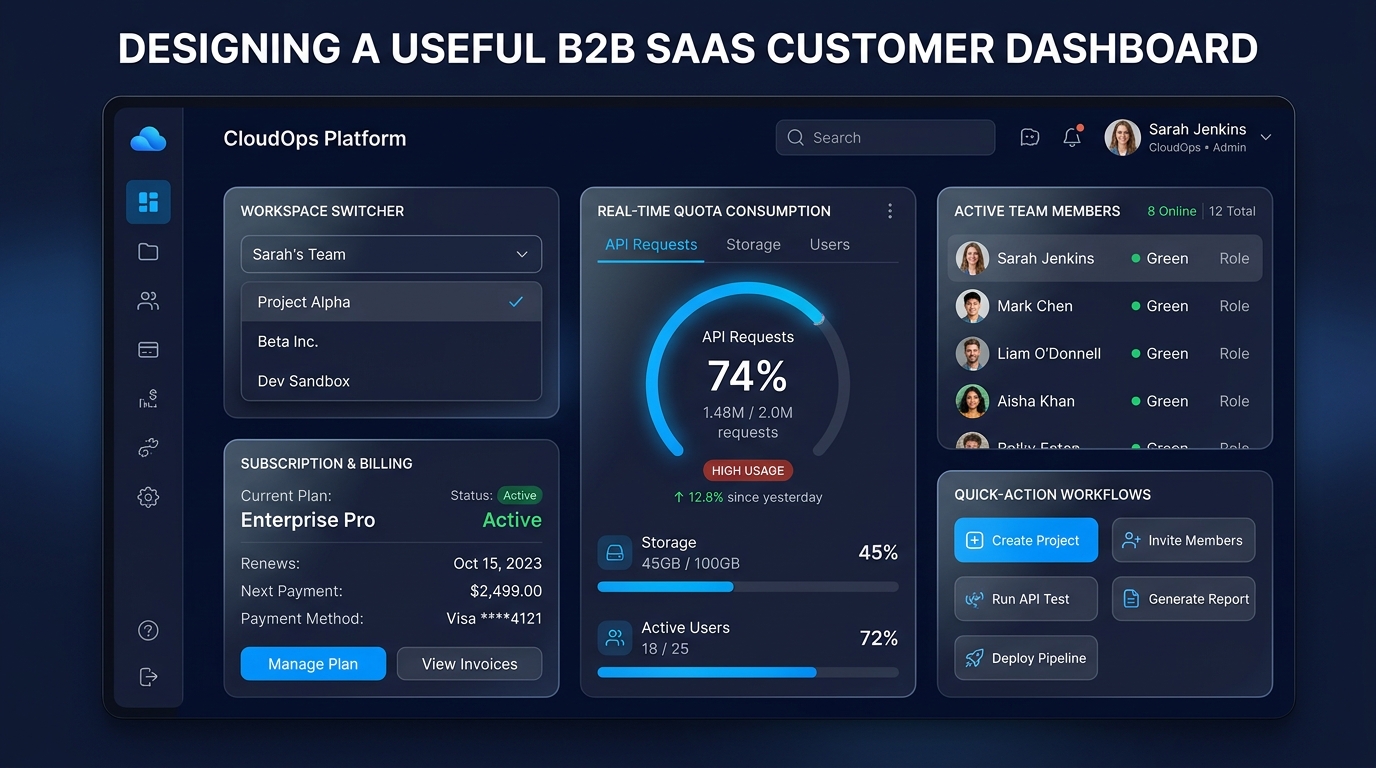
A B2B SaaS customer dashboard should help someone understand the current situation and choose the next useful action. Its structure should follow the customer's work rather than the list of data fields available in the database.
Start by naming the decisions a returning user makes. For a hypothetical freight exception management product, a dispatcher needs to know which shipments need attention, what changed since the last visit and which issue to resolve first. A row of attractive totals is useful only when it supports those decisions.
Choose the dashboard's primary job
A dispatcher, operations manager and account owner may enter the same product with different questions. The dispatcher wants actionable shipment exceptions. The manager wants patterns and workload. The owner may need billing and team administration.
Decide whose everyday work the default dashboard serves. Secondary responsibilities can remain accessible without occupying equal space on the first screen.
For the freight product, the primary view could start with unresolved exceptions ordered by urgency, followed by recently updated shipments. A compact summary can describe the workload, while detailed trends belong in a reporting area.
Avoid requiring every user to configure widgets before the dashboard becomes useful. Provide a sensible starting arrangement, then add customization when observed needs justify its complexity.
Make the next action visible
A useful summary connects a state to an action. If a shipment is delayed, show what information is missing, who owns the next step and where the user can act.
Use specific labels such as assign dispatcher, review update or contact carrier. Generic actions such as manage can force users to open another screen before understanding what they are being asked to do.
Prioritize by the customer's workflow. The most recently created item is not always the most important. An older exception approaching a service deadline may deserve attention first.
Explain the ordering when it affects decisions. A small label such as sorted by required response time can make the list easier to trust than an unexplained priority score.
Keep workspace context obvious
In a B2B product, people may work across several organizations or business units. Display the selected workspace clearly and preserve that scope through filters, counts and actions.
When the user switches workspaces, related information should update coherently. Showing one customer's header with another customer's cached figures is confusing even before considering the data-access implications.
Decide which preferences belong to the user and which belong to the workspace. A personal density preference can follow the person. A shared operational view may belong to the team.
For a dispatcher serving two freight businesses, saved filters should indicate which workspace they apply to. A label such as urgent exceptions should not silently load a filter configured for a different customer's process.
Design the states between normal results
A dashboard needs distinct behavior for new accounts, an empty filtered result, loading data and a failed request. Showing zero in every case creates false information.
Use explicit explanations:
| State | What it means | Useful response | |