
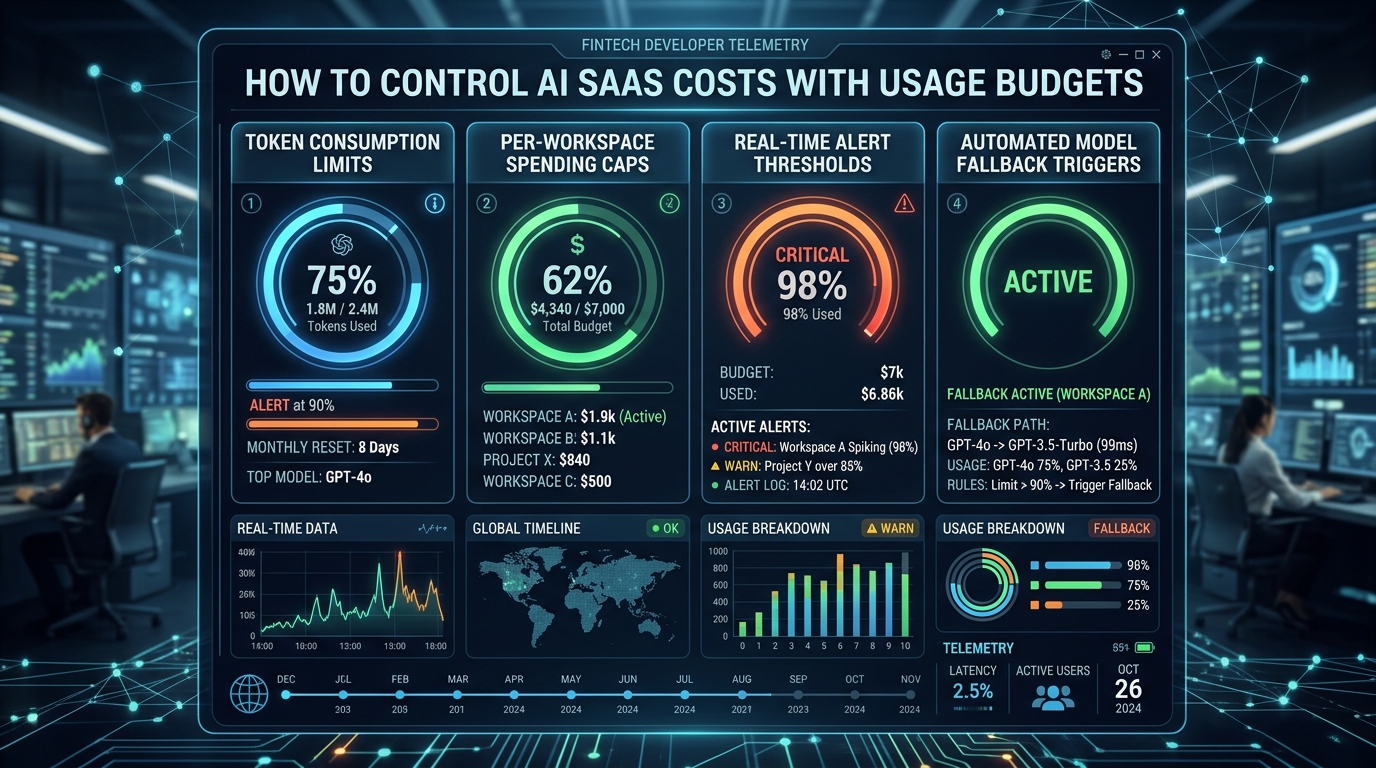
Control AI SaaS costs by putting an enforceable usage decision before expensive work and reliable accounting after it. A dashboard that reports spending later helps you understand costs, but it cannot prevent many simultaneous requests from exceeding a customer's allowance. Your application needs a consistent definition of usage, limits on each operation, and a way to reconcile uncertain results.
Design these controls around the paid workflow. A document review, a generated image, and a voice interaction have different cost drivers and should not inherit the same unit merely because they all use AI.
Define what the customer receives
Choose a customer-facing allowance that relates to value. A drafting product might count completed drafts; a document processor might count pages or supported documents. Explain whether revisions, failed operations, and unusually large inputs consume the allowance.
Keep that product unit separate from the internal cost ledger. One draft may involve input tokens, output tokens, retrieval, file processing, and several provider attempts. The customer does not need every internal detail, but your team needs it to understand profitability.
Specify the limits of the unit. If a document can range from one page to several hundred, treating both as one identical operation may create an unexpected cost spread. Bound input size or define understandable tiers before promising an allowance.
Estimate the work before calling a provider
Inspect the request for the cost drivers you can know in advance: input size, selected feature, model configuration, maximum output, and maximum number of workflow steps. Reject unsupported inputs before starting expensive processing.
Some providers offer tools to inspect input usage. Anthropic's token-counting documentation describes an endpoint for counting the input represented by messages and supported content. Use such information as part of an estimate while maintaining a separate record of actual usage reported during execution.
Set an explicit upper bound for the operation wherever possible. Limit output, tool calls, retries, and recursive processing. A request that can keep expanding without a stopping rule is difficult to budget accurately.
Reserve budget safely under concurrency
Consider a workspace with enough remaining allowance for one document review. Two browser tabs submit reviews at nearly the same time. If each independently reads the remaining balance and starts work, both may proceed before either records its usage.
Use an atomic reservation or another concurrency-safe accounting design. The reservation should be attached to a unique operation identifier and count toward available budget while work is in progress. A repeated submission for the same operation should not reserve or charge again accidentally.
After execution, reconcile the reserved amount with the result and actual usage. Keep ambiguous operations pending until you can resolve them. A timeout does not necessarily prove the provider performed no work, so immediately refunding and restarting every timed-out request can create both undercounted costs and duplicate execution.
Model retries as part of the cost
Imagine a hypothetical writing SaaS with 2,000 completed operations in a month. Assume each provider attempt costs an illustrative $0.01. If those operations require 400 additional attempts because of retries or validation repair, the modeled provider cost is $24 rather than $20. These invented values are arithmetic examples, not current API prices or measured failure rates.
Now suppose a small group of long inputs consumes several times the ordinary cost. The monthly average may hide the users or workflows responsible. Break down usage by feature, workspace, model configuration, and attempt status.
Retry only when the failure is plausibly recoverable and the operation remains inside its budget. Invalid inputs or unauthorized requests should not be sent through repeated provider attempts. A bounded repair can be useful, but it needs the same cost and stopping controls as the original call.
Reconcile product allowance and provider usage
Record the operation identifier, customer workspace, allowance decision, provider attempts, reported usage, pricing version used for estimates, and final disposition. Preserve enough detail to explain why the customer was charged a product unit and what the operation cost internally.
Allowances and costs can diverge legitimately. You may choose not to deduct a customer's allowance when a result fails validation, while still incurring provider charges. Your business reporting should show that difference rather than forcing the same counter to serve both purposes.
Run reconciliation for incomplete records and compare aggregate estimates with the provider's available usage or billing data. Investigate meaningful differences. Token estimates, cached inputs, additional tools, and late-arriving usage may need explicit treatment depending on the providers you use.
Make limits understandable in the interface
Tell customers what remains, when the allowance resets, and what happens when they reach the limit. If an operation has already started, show its status instead of encouraging repeated clicks.
Choose the product response deliberately. You might block new work, queue it for a later period, or offer an authorized upgrade. Do not silently send a task to a lower-quality provider unless that behavior meets the product's requirements and customer expectations.
A cost limit also differs from a rate limit. A workspace can remain within its monthly budget while overwhelming concurrent processing capacity. Apply separate controls for burst behavior and long-term consumption when the workflow needs both.
Connect budgets to the SaaS foundation
Agentium Start's capability scope includes plans and entitlements while marking workspace seat and resource limits as partial. Treat your AI usage ledger, reservations, and provider reconciliation as explicit application work to implement and verify.
Test concurrent requests, duplicate submissions, provider timeouts, partial results, and reset boundaries. Use clearly artificial data and controlled cost assumptions so the checks do not require large live bills.
Review the Agentium Start documentation when connecting the feature to its account and plan model. Your goal is a budget customers can understand and an accounting system that remains accurate when real requests overlap or fail.
Authority References & Sources: