
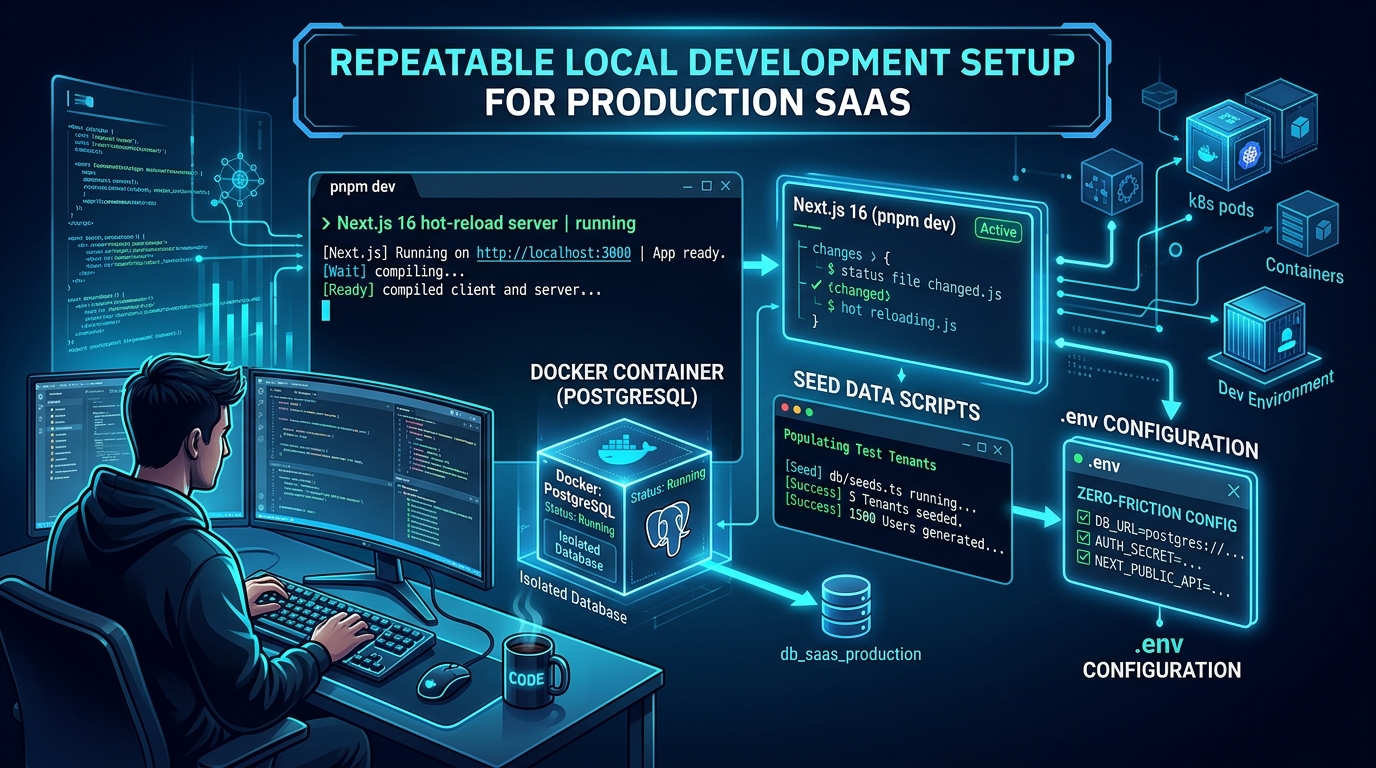
A repeatable local development setup lets another developer move from a clean checkout to a working customer workflow using documented inputs. The target is a functioning application with predictable data and safe integration behavior. A development server that opens an empty page is only one part of that result.
Design the setup as a maintained feature of the repository. When dependencies, environment settings, or database structures change, the setup process should change with them. Otherwise, the instructions describe a historical machine state rather than a reproducible environment.
Define what a working setup means
Choose a short verification journey. For a hypothetical scheduling SaaS, a developer should be able to sign in through a development-safe path, create a workspace, add an appointment, invite a test colleague, and observe a reminder in a local or controlled email destination.
This journey exposes missing services that a homepage check misses. A database may be available while migrations are absent. Email templates may render while the job processor is stopped. Workspace creation may work while the default administrator setup remains undocumented.
Write the completion criteria before automating setup. A script can automate an incorrect or incomplete process very efficiently. The agreed journey provides a way to determine whether the setup actually supports development on the product.
Pin the moving parts
Record the expected runtime and package manager versions, commit the dependency lockfile, and define supported local service versions. Use the project's own dependency and tooling files as the source of truth. Avoid asking each developer to install the newest version of every tool independently.
Document platform-specific requirements only when they matter. A team using different processors or operating systems may encounter native dependency differences, but a long list of speculative exceptions is difficult to maintain. Capture a specific workaround after observing a reproducible problem.
Make dependency changes intentional. Update the lockfile with the relevant code change, verify a clean install, and keep the setup guide aligned. A developer should not need to delete lockfiles or randomly upgrade packages to get a normal checkout running.
Run local services consistently
List the services required for the core workflow, such as a database, job runner, and object storage emulator or development bucket. Separate essential services from optional integrations. A developer changing a settings form should not need every possible provider account.
Docker Compose can define multiple services, networks, and volumes in a shared configuration. It is one practical choice for repeatable local dependencies. Using it does not require every part of the application to run in a container; choose a setup that fits the team's normal debugging workflow.
Check service readiness instead of relying only on whether a process started. A database container may be running before it accepts connections. Include readable diagnostics that explain which dependency is unavailable and how the developer can inspect it.
Provide useful synthetic data
Seed data should represent the states developers need to see. Include an empty workspace, a workspace with ordinary activity, and a few relevant edge cases such as a pending invitation or a disabled feature. Use stable identifiers where tests require them and clearly synthetic names and addresses.
Avoid a single universal administrator account for every task. Developers need to see what an ordinary member and a restricted role experience. Include at least two workspaces so tenant isolation can be exercised locally instead of postponed until a shared environment exists.
Make resets explicit and environment-aware. A local reset procedure should refuse to run against a database that has not been positively identified as disposable. Document whether it removes uploaded files, queued jobs, and browser sessions as well as relational records.
Make provider modes visible
Decide how email, billing, uploads, and external APIs behave locally. Some workflows can use a local capture service or deterministic fixture. Others need a provider sandbox to verify an actual integration contract. Label each mode clearly so developers understand what a successful check proves.
In the scheduling example, a local email viewer can confirm the reminder content and link. A separate provider integration check can verify acceptance by the email service. Neither alone proves that a real customer's mail server will place a message in the inbox.
Keep provider credentials separate from committed examples. Supply an inventory of required values and a documented way for authorized developers to obtain development credentials. A developer should never need to copy production secrets from a colleague's terminal to run the application.
Test the instructions on a clean state
Use a fresh checkout and fresh disposable data to walk through the documented procedure. Do not let an existing local database, untracked environment file, or previously installed global package conceal a missing step. Record the exact point where the process depends on unstated knowledge.
For the hypothetical scheduling tool, the clean check might reveal that reminder delivery requires a separately started worker. Add that service to the startup instructions, expose its health, and make the verification journey wait for the reminder outcome. This repairs the setup contract rather than merely helping one developer past an error.
Automate the stable sequence once it is understood. Provide recognizable stages for dependency checks, configuration validation, service startup, migrations, seed data, and workflow verification. Keep destructive actions separate from ordinary startup so rerunning setup is safe.
Maintain the setup alongside features
Assign ownership for changes that affect development. A new environment variable should arrive with its description and example. A new required job service should arrive with local operating instructions. A data model change should leave a clean database and an upgraded database usable.
Keep a short troubleshooting section organized by observable symptom. Explain how to identify a port conflict, missing configuration, or stale data shape. Prefer evidence a developer can inspect over a broad instruction to delete everything and start again.
When evaluating a source foundation, use the Agentium Start documentation overview to understand the delivery, then review the setup guidance in the source package itself. Your team's completed local workflow is the evidence that the foundation and your product changes work together.
Authority References & Sources: