
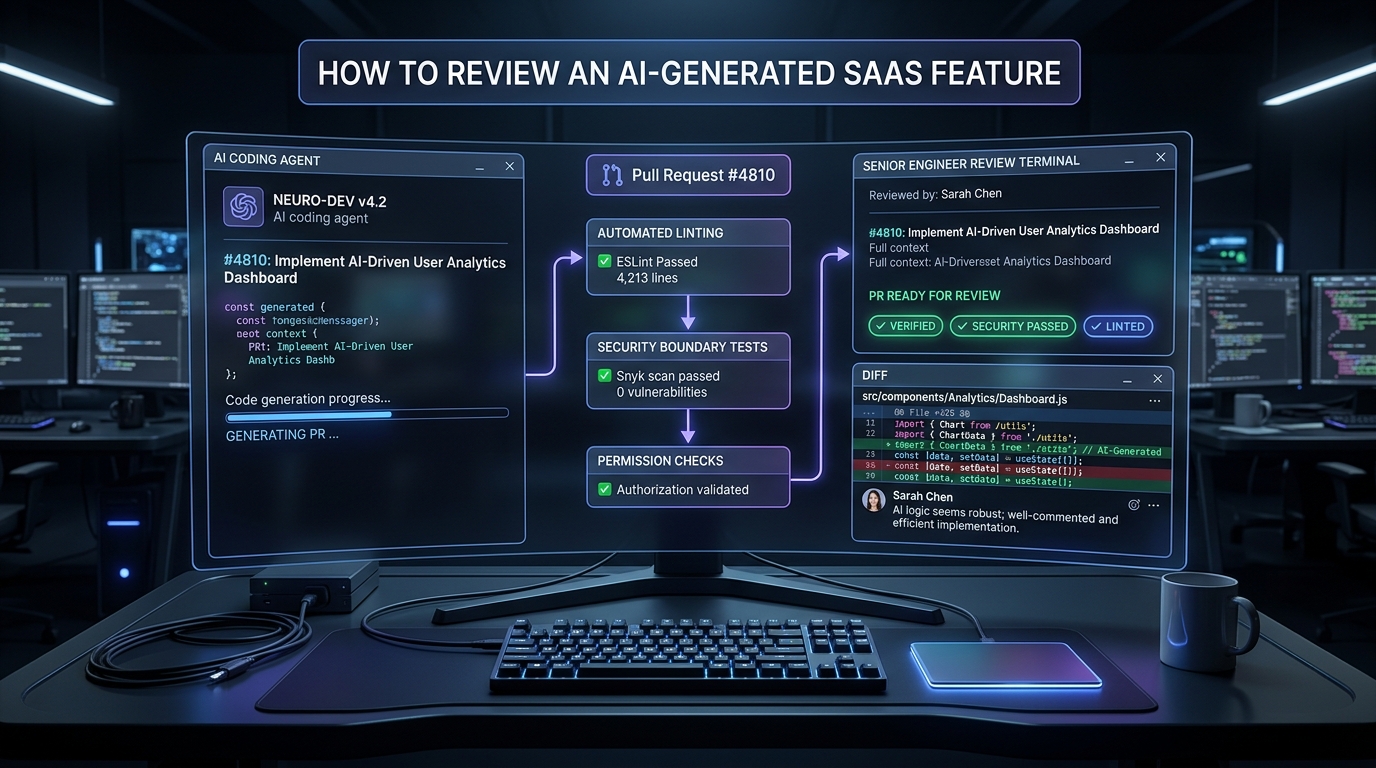
An AI coding tool can produce a page, an API route and a database model quickly. The important next step is to determine whether those pieces form the feature your application needs. A working preview is evidence of one view, not necessarily of the complete behavior.
Here is a practical review sequence for a workspace-based application. It applies whether you start from an existing codebase, an open-source starter or a paid foundation.
Start with an acceptance statement
Describe the user and the result. “Members can add a project note in their own workspace; Guests may read but not write” is more useful than “build a notes page.” Include a relevant limit or audit requirement only when the product actually needs it.
Give the coding tool the existing conventions and policy locations. The request should preserve the architecture rather than let each feature invent its own rules.
Inspect the change plan
Before writing, identify affected files, dependencies, schema changes and operations. A small change can be reviewed more reliably when its scope is explicit. A tool should not quietly replace authentication, relax access checks or add a provider merely to complete a demo.
Keep destructive database work separate from ordinary code generation. A reviewable migration and a plan for existing records are different from resetting a development database.
Follow the protected operation
Start from the server operation and trace the required decisions. Who is the caller? Which workspace are they allowed to act in? Is this action permitted? Does the plan include the feature? Is usage enforcement needed for the write?
The exact layers differ between applications, but a caller’s request should not manufacture authority. Check all relevant entry points, not just the button used in a screen recording.
Inspect validation and data changes
Confirm that validation occurs at the trusted boundary and that error messages are useful. Review fields, defaults, null handling and updates to existing records. Check whether imported or generated text can create unintended behavior in the application.
For asynchronous work, identify the durable record, retry behavior and the way a user learns about failure. A background task that is merely registered may not prove that its side effect happens correctly.
Run meaningful checks
A generated test file is a starting point, not a result. Run the documented commands and inspect whether the assertions exercise the behavior that matters.
Include a valid operation and a prohibited one when permissions are involved. Check another workspace where applicable. Rerun existing tests that could be affected by the change. Record skipped checks and unresolved failures instead of hiding them behind a single green summary.
Bind approval to the reviewed change
Review the actual diff, not only the model’s explanation of it. When another change alters the diff, inspect the affected parts again. Treat migrations, external side effects and deployment as separate decisions when their risk warrants it.
After deployment, verify the relevant operation in the intended environment. Passing locally does not establish that provider credentials, callbacks and environment settings are correct elsewhere.
What this means for a SaaS starter
A useful foundation supplies conventions, documentation and runnable examples that make review easier. It does not remove the need to understand the feature or the responsibility for custom business behavior.
Agentium Start is our commercial B2B SaaS source kit. The published walkthroughs show selected changes and their scope; they do not claim that any arbitrary prompt becomes a production business. Explore the current kit and documented development workflow at https://start.agentiumlabs.com/.
Disclosure: Agentium Labs publishes this guide and makes Agentium Start. The review sequence is proposed engineering guidance, not an independent certification or an assertion that every listed check has been executed on your application.