Every academic researcher, graduate student, and policy analyst knows the disorienting feeling of the "Citation Avalanche."
You begin your morning on Google Scholar looking up a single paper on Large Language Model Reasoning Emergence. You click through to an arXiv preprint. The paper cites an intriguing 2021 cognitive psychology study. That study mentions an earlier mathematical benchmark on Semantic Scholar.
Three hours later, you have 55 open browser tabs across Google Scholar, arXiv, PubMed, JSTOR, and university repositories.
Then comes the dreaded question:
"Where did I see that specific benchmark comparison I was reading 45 minutes ago?"
Tracing backwards through a flat browser history list of 200 indistinguishable arxiv.org/abs/... URLs is an exercise in futility.
Here is how modern researchers are using visual causality trees and in-tab quote pinning to conduct rigorous, organized literature reviews.
The 3 Failure Modes of Traditional Literature Browsing
1. The Loss of Citation Lineage
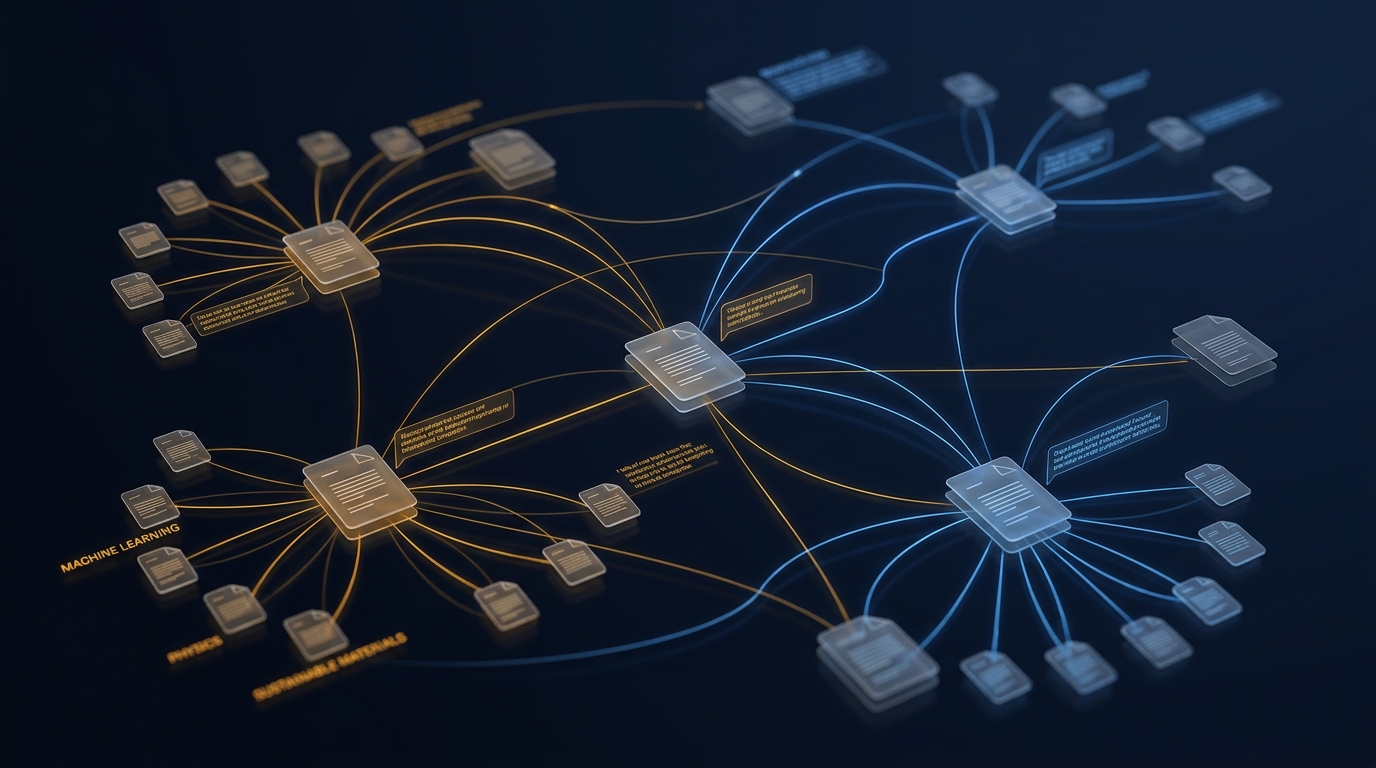
In academia, context is lineage. Knowing which paper cited which claim is the foundation of a critical review. Traditional browsers flatten this lineage into an unordered horizontal row, severing the conceptual chain of discovery.
2. Disconnected Note-Taking Friction
Switching back and forth between your PDF reader, your browser, and reference managers like Zotero or Mendeley breaks deep reading flow. Highlighting a passage in a web-based journal often requires multi-step manual copying and tagging.
3. Memory & Tab Crash Terror
Scientific web portals and embedded PDF readers consume massive memory. Having 40 paper tabs open simultaneously frequently triggers browser crashes or background tab discards that lose your exact scroll position.
A Streamlined Literature Review Workflow with Agentium Trace
By leveraging Agentium Trace (free on Chrome and Firefox), you can transform your browser into an interactive, local-first research workspace.
[Google Scholar: Initial Query]
   │
   ├─► Paper 1 (Vaswani et al.)
   │      │
   │      ├─► Pinned: "Self-attention mechanism formulation" (Alt+S)
   │      │
   │      └─► Cited Paper 1.1 (Bahdanau et al.)
   │             └─► Pinned: "Alignment model comparison" (Alt+S)
   │
   └─► Paper 2 (Brown et al.)
          └─► Appendix: Hyperparameter Benchmarks
Step 1: Track the Citation Tree in the Side Panel
Keep the Trace Side Panel open alongside your reading area. Every time you middle-click a cited DOI or reference link, Trace records the child tab indented beneath the originating paper. Your visual citation tree expands automatically as you read.
Step 2: Instant Methodology Pinning with Alt+S
When you find a key equation, sample size figure, or critical limitation:
- Select the text.
- Press
Alt+S(or right-click $\rightarrow$ Pin Highlight to Agentium Trace). - The verbatim quote is permanently attached to that paper node, tagged with its source URL and retrieval timestamp. You will never have to re-read an entire 30-page paper just to find a single statistic again.
Step 3: Prune Dead Ends Without Losing Progress
Not every paper in a citation tree is relevant. In the Trace Canvas view, you can prune branches that proved to be dead ends while keeping high-signal methodology papers marked with stars.
Step 4: Export to Structured Markdown or Obsidian
When your review session is complete, export your findings into a clean Markdown research dossier:
- Full citation hierarchy grouped logically.
- All pinned quotes formatted with markdown blockquotes and source links.
- Ready to paste into your thesis draft, Notion database, or Obsidian vault.
Local-First Privacy for Pre-Publication Research
Academic research often involves unpublished drafts, proprietary patent investigations, and embargoed findings.
Unlike cloud-dependent extensions that scrape and transmit your visited URLs to remote servers, Agentium Trace is strictly local-first:
- 100% of your browsing trees, notes, and citations are stored locally in your browser's IndexedDB.
- Zero analytics, zero tracking, zero risk of data leakage prior to paper submission.
Reclaim Your Focus
Don't let valuable citations get swallowed by chaotic browser tabs. Turn your exploratory research into an asset you can reference, search, and export effortlessly.