
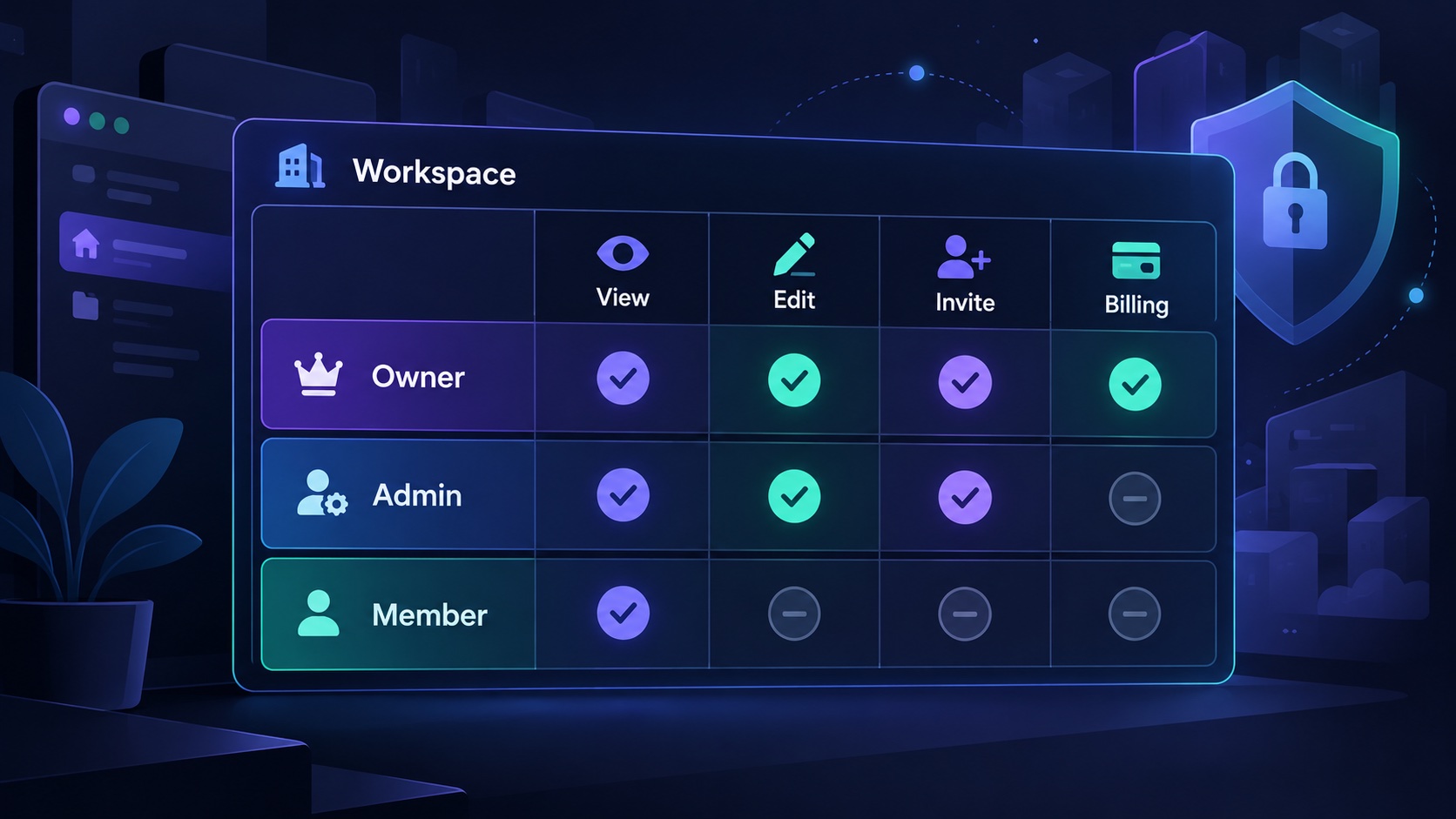
Design SaaS roles and permissions by listing the actions customers need to perform, then deciding who may perform them and on which resources. Names such as admin and member are convenient bundles. They should summarize a defined policy rather than substitute for one.
A role model becomes difficult when every new request adds another special case. Starting with concrete responsibilities gives the application a structure that can explain ordinary work, sensitive operations and future changes without scattering role-name comparisons throughout the code.
Describe actions before naming roles
Consider a hypothetical procurement workspace. Staff submit purchase requests, managers approve them, finance exports payment information and an owner manages the subscription.
Begin with actions such as create request, edit draft, approve request, export payment data, invite member and manage billing. Then describe their resource scope. Editing any draft is different from editing only your own unsubmitted draft.
This produces useful questions before implementation: can someone approve their own request? Can a manager approve a request after it has changed? Can finance view attachments containing information unrelated to payments?
These questions expose the business policy. A generic admin role cannot answer them without additional conditions. Keep the initial set of permissions small, but specific enough to describe real customer work.
Build a matrix that customers can understand
A role matrix makes assumptions reviewable. The following is an illustrative policy, not a universal role hierarchy:
| Action | Contributor | Approver | Owner |
|---|---|---|---|
| Create a purchase request | Yes | Yes | Yes |
| Edit an unsubmitted request | Own requests only | Own requests only | Own requests only |
| Approve another person’s request | No | Within assigned scope | Only with an explicit approval grant |
| Export payment information | No | Only with an explicit finance grant | Only with an explicit finance grant |
| Invite a member | No | No | Yes, within allowed role-assignment rules |
| Manage the subscription | No | No | Yes |